HUD
FPS, CPS, ping, potions, armor, coordinates, zoom. Every module is draggable in the editor.
A free Fabric client with a clean HUD, Modrinth inside the launcher, and Microsoft login. No cheats. No telemetry.
Visual modules and small conveniences. Reach readout matches vanilla. Tokens stay on your machine.
FPS, CPS, ping, potions, armor, coordinates, zoom. Every module is draggable in the editor.
Instances, Microsoft login, content browser, themes, friends list, and LAN address when you host.
Glow, rainbow, wave, and shimmer on HUD labels with a live preview right in the menu.
Search and install mods, modpacks, and shaders without leaving the launcher.
Visual modules only. No injection, no anticheat bypass. Your Microsoft tokens stay local.
One click launcher updates. The matching mod jar ships from the same release feed.
Launcher and in game screens from v1.9.
Servers and communities we work with.
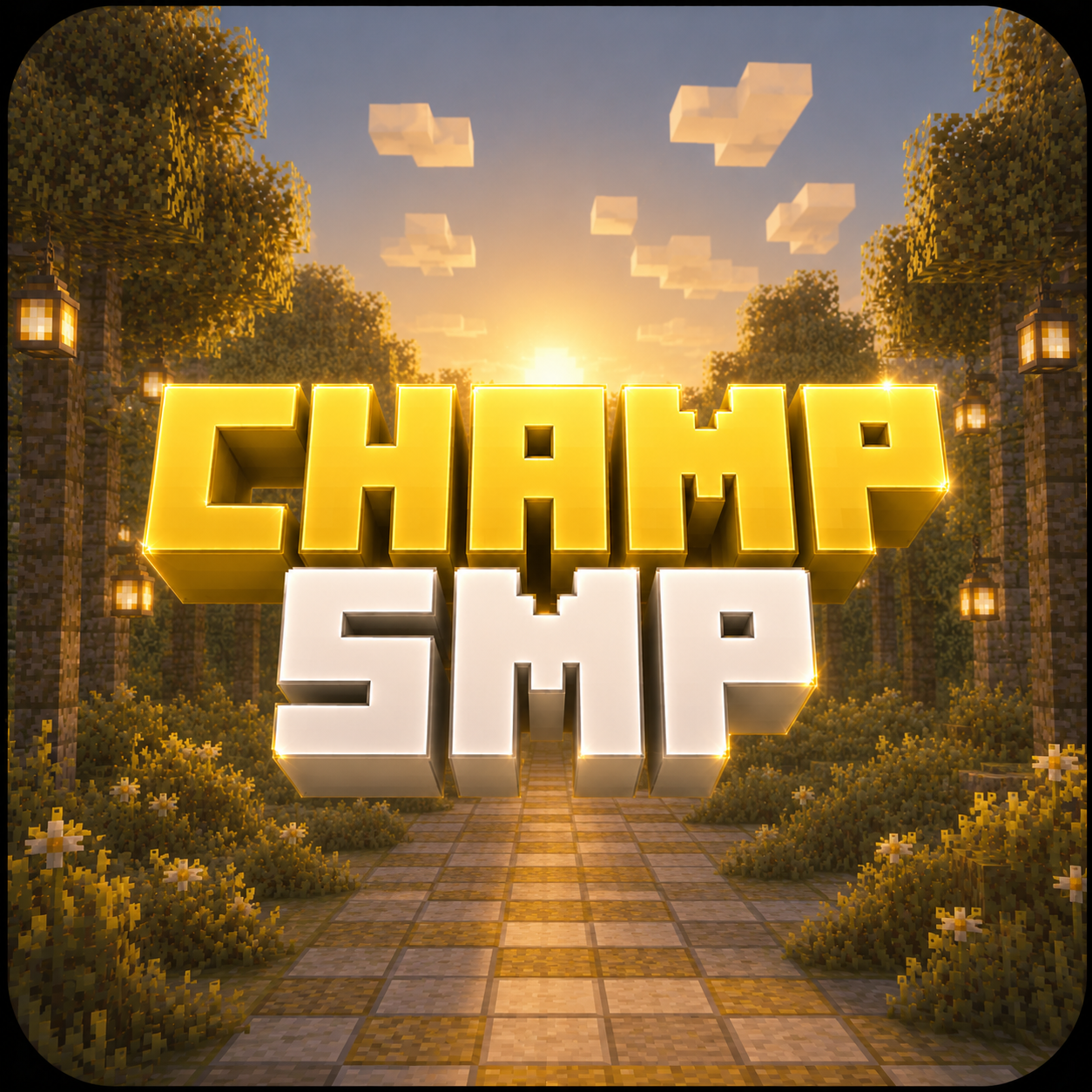
Altar and ranked SMP with custom mechanics, spear-focused combat, events, and maps tuned for skill-based PvP.
champ.smp.quest
River Client only talks to the official Microsoft and Mojang endpoints during sign-in. Your refresh token and Minecraft access token are stored locally on your machine and never sent anywhere else.
Login uses Microsoft's devicecode + token endpoints. You confirm the code in your browser. The launcher never sees your password.
Standard Xbox Live and XSTS handshake using user.auth.xboxlive.com and xsts.auth.xboxlive.com. Same flow Mojang's own launcher uses.
Tokens go to api.minecraftservices.com for ownership check and profile. Stored on disk in your launcher data folder.
The exact JavaScript that runs in the launcher's main process is published verbatim. Open it in your browser or download the file.
Short answers for the stuff players usually ask first.
No. River is aimed at clean visual and utility features only.
The launcher uses the River update manifest and downloads the current package from the same release channel.
Locally on your machine in the launcher's app data. They are not uploaded to River services.
Yes. River can search Modrinth, install compatible files, show versions, and update installed content.
Yes. The launcher has a crash viewer and direct access to log and crash folders.
Join the official River Client Discord for releases, testers, support, and partner server updates.
River Client keeps the important stuff local and visible.
Microsoft refresh and Minecraft access tokens stay on your PC in the launcher data folder.
The launcher shows exactly which mod, resource pack, and shader files are installed in each instance.
Installed content is labeled by source such as Modrinth, local import, or bundled River core.
River surfaces the live release feed, login flow, and support channels clearly so players are not left guessing.
Live manifest with version, package URLs, and checksums.
Microsoft device-code login, Xbox Live, XSTS, and Minecraft ownership/profile checks.